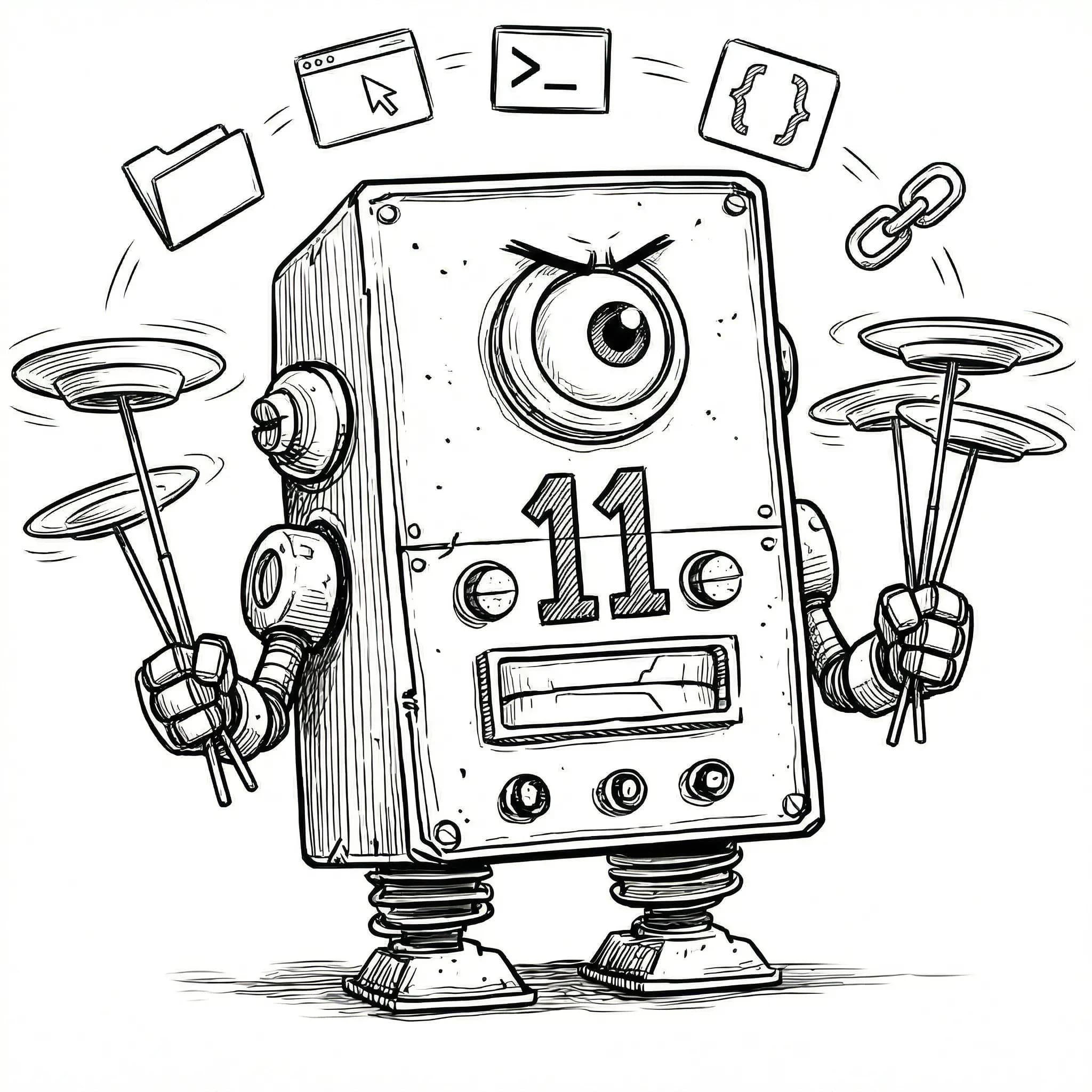
Context switching kills flow
Every time you hop between IDE, terminal, browser, and Finder you lose momentum. ViboGit keeps them all one click away.

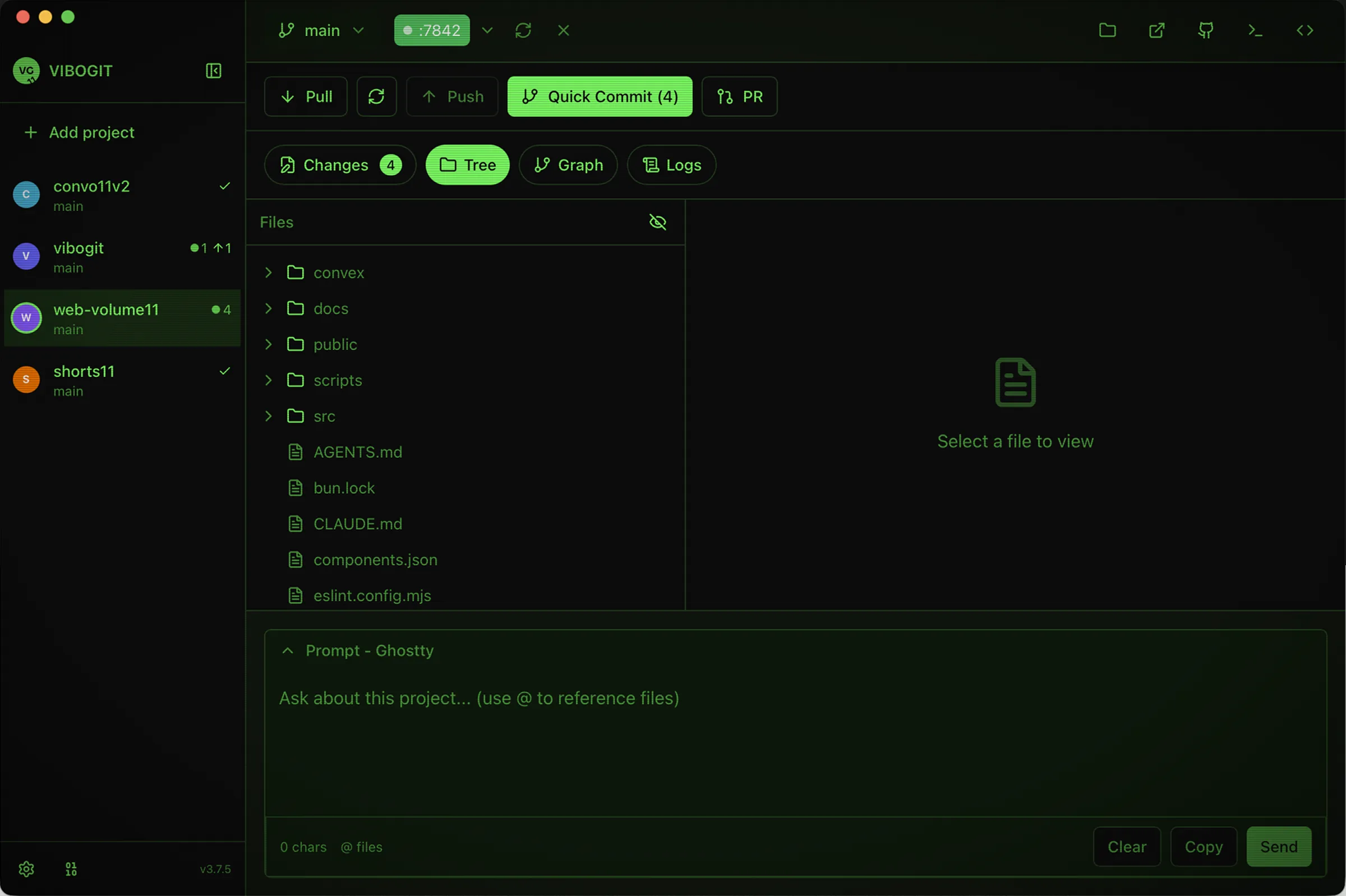
ViboGit sits beside your AI editor and handles the parts it doesn't: switch projects, fire commits, peek at localhost, drop in prompt context, and carry your agent skills between every machine you code on.
Currently free in beta. BYO AI key for advanced features.
Developers juggling multiple active repos waste hours switching between Finder, terminal, browser, editor, and GitHub. ViboGit puts every frequent action one click away.
Every time you hop between IDE, terminal, browser, and Finder you lose momentum. ViboGit keeps them all one click away.

Stage, commit, push — dozens of times a day. Quick Commit compresses the cycle without taking away control.
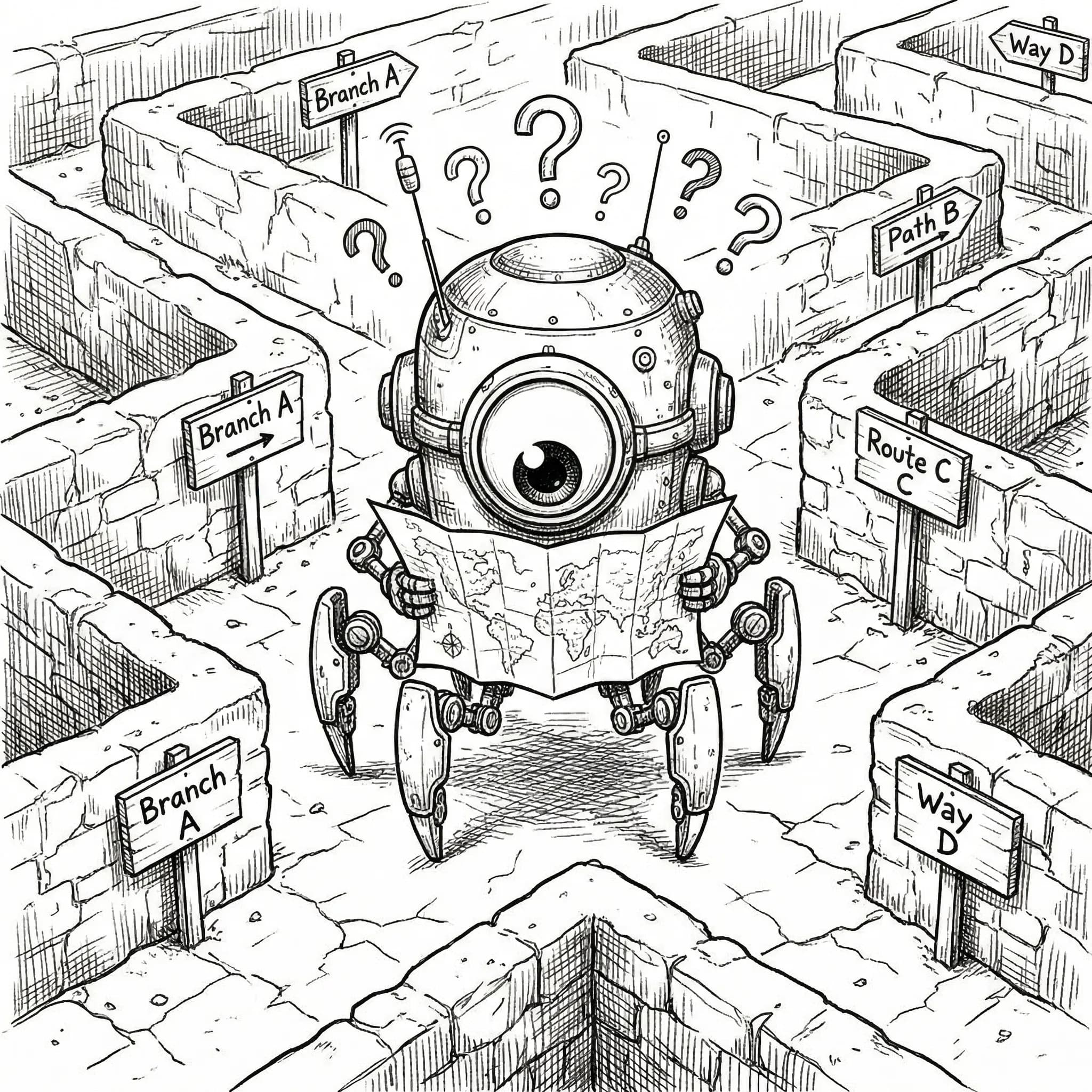
Which branch was I on? Did I push that fix? The sidebar shows every project's status at a glance.
Context switching is where momentum goes to die. ViboGit keeps the essentials at your fingertips so you never break flow just to check a commit, preview a file, or spin up a server.
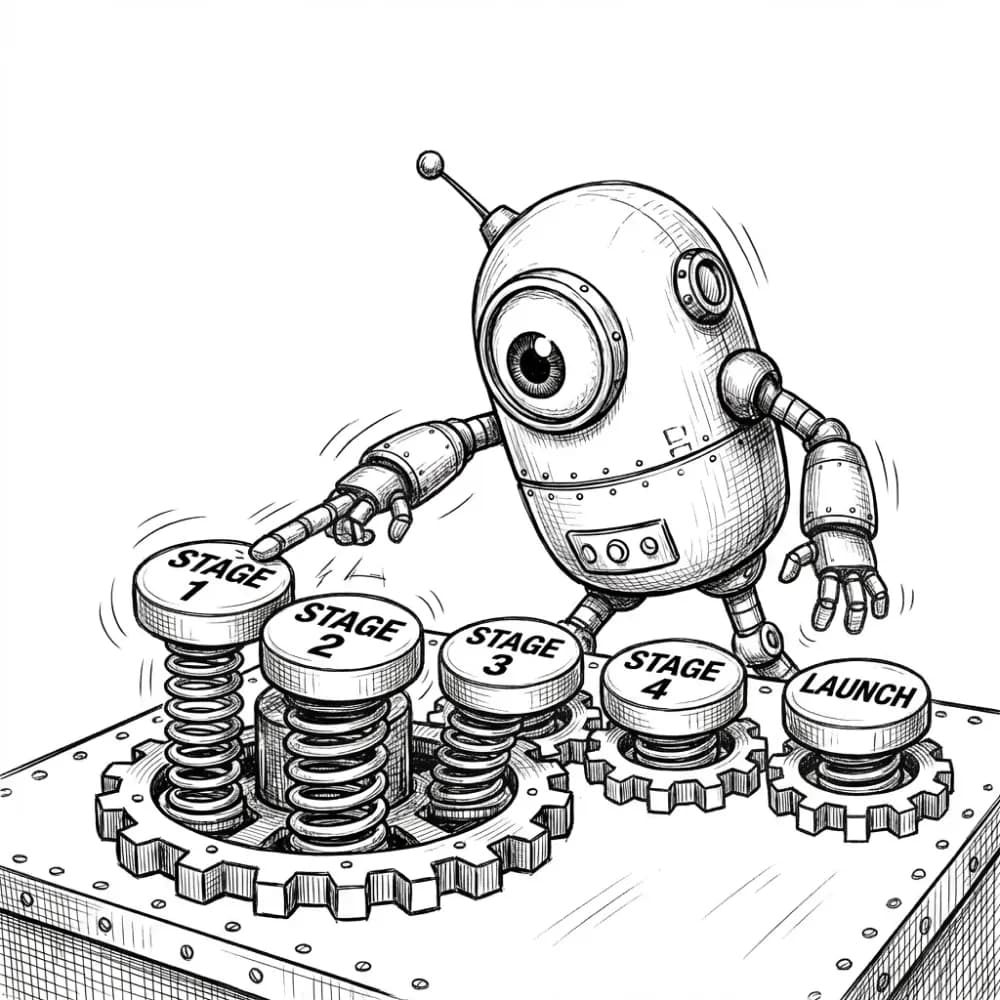


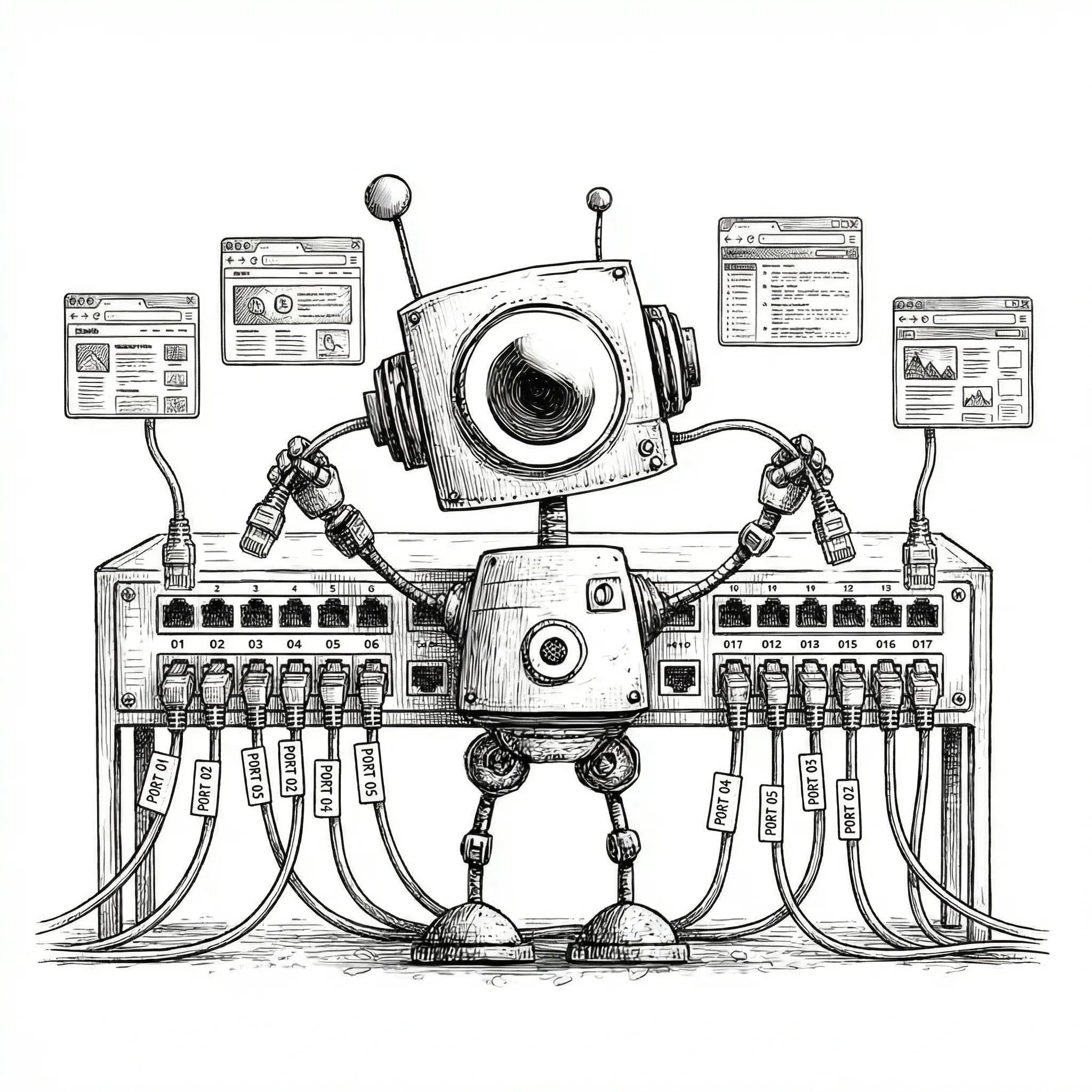
Each project gets its own set of quick links. Switch projects in the sidebar and every shortcut instantly points to that project's files, repo, localhost, terminal, and editor.
Open the project folder in Finder instantly. Switch projects, switch folders.
Assign a unique port to each project. One click launches your dev server and opens the browser -- no more guessing which port is which.
Jump straight to the GitHub repo. One click to PRs, issues, or code review.
Opens your chosen terminal already cd'd into the project. iTerm, Ghostty, Warp, Kitty, or Terminal.
Launch the project in Cursor, VS Code, Zed, or any custom editor you prefer.
Stage changes, generate a commit message, and commit — all in one action. Built for the "do this 40 times a day" moments.
Not a Git replacement, it's a vibe helper. Pull, fetch, push, and PR remain explicit. Quick Commit accelerates the frequent commit cycle — nothing more.
Sidebar project list with per-repo status signals — changes, ahead/behind, current branch — so you never lose track of where you left off.
ViboGit reads the port from your AGENTS.md or infers it from your dev script, spawns the server as a managed child process, and polls until localhost is live. No terminal. No tab juggling.
Pin the port per project in the same project instructions file you already use.
Falls back to package.json dev scripts when AGENTS.md does not pin a port.
Uses Node child_process so the server is managed by ViboGit, not by a forgotten terminal tab.
Polls the port until it answers, then flips the chip green.
The live port pill becomes a one-click link to http://localhost:PORT.
The Ports view lists every known project, its assigned port, and whether the dev server is actually listening. Open it, hand it to Grab Browser, restart it, or kill it without terminal gymnastics.
Reads AGENTS.md and package.json scripts to map ports per project.
Background polling keeps the list honest without manual refresh.
Open, Grab, Restart, and Kill per row.
Stop every active project dev server before switching contexts.
Dock desktop, tablet, and mobile Grab Browser windows side-by-side, all pointed at the same localhost. React Grab and Style Inspect stay live in every window so comments keep their viewport context.
Watch all breakpoints refresh together.
React Grab comments carry viewport context.
Hover for live dimensions and computed styles.
Jump routes without rebuilding the setup.
Keep real browser cookies and storage clean.
Project switching, commits, localhost preview, prompt context, and skills sync for macOS dev workflows.
The Grab Browser includes an SEO Inspector that extracts Open Graph, Twitter, canonical, meta, and favicon tags, then renders the social card preview like Slack, LinkedIn, and Discord will.
Render the 1200x630 social card exactly as platforms see it.
Compare summary_large_image and summary layouts.
Audit canonical URL, description, robots, and core tags in one glance.
Inspect every declared favicon size and resolved file.
Hit the SEO chip and the panel slides in without DevTools juggling.
Every project gets its own launcher row. Switch projects in the sidebar and Finder, browser preview, GitHub, editor, and terminal shortcuts instantly retarget.
Open the project folder in your existing Finder window.
Launch localhost on the port assigned to this project.
Jump straight to PRs, issues, and code review.
Open your preferred editor with the active project.
Start a terminal already cd'd into the repo.
ViboGit renders the full commit history as a colour-coded lane graph. Each branch gets a lane, each merge gets a ringed node, and HEAD glows so you always know where you are.
Lane-based assignment keeps history readable.
Your current commit always glows.
Full message, author, time, and hash.
Checkout, copy hash, or open on GitHub.
Write a skill once. ViboGit symlinks it into every CLI agent's skills folder so Codex, Factory, and Claude all see the same source of truth with no copy-paste drift.
Per-skill symlinks, never whole-folder takeover. ViboGit only links the skills you opt into. Local hand-rolled skills stay untouched, and managed links are recorded in an auditable manifest.
Each skill has its own toggles, one per CLI agent. Turn agent-browser on for Codex and Claude, leave it off for Factory, and keep unmanaged skills invisible to tools that should not see them.
Every link ViboGit creates is recorded in a managed manifest. Folders that ViboGit did not create stay yours.
Connect ViboGit to a private GitHub vault. One click uploads new local skills, downloads skills authored on other machines, and converges every laptop. No deletes by absence.
Local-only, vault-only, and changed skills converge both ways.
Sync now stages, commits conventionally, and pushes in one click.
Sign in once with device-code flow and reuse the token across machines.
Diverged edits stop for explicit review, never silent loss.
Hit a global shortcut and a slim 680 x 56 bar snaps to the top of your screen. Pull, fetch, push, commit, open Finder, jump to GitHub, and launch your dev server without leaving the app you are already in.
Frameless, transparent, always on top, and draggable. Hit the shortcut again to dismiss it: no dock icon, no taskbar, just muscle memory.
A dedicated workspace for composing AI prompts right inside ViboGit. Reference files, invoke skills, attach screenshots — then send the whole thing straight to your terminal in one click.
Type @ to mention any project file. ViboGit resolves it to the full absolute path so your AI tool knows exactly which file you mean.
Type / to browse and invoke AI skills inline. Selecting a skill inserts a structured phrase your AI tool can act on.
Drag-and-drop or paste screenshots and diagrams directly into the prompt. Images get [image N] references that resolve to full file paths on copy or send. Supports CleanShot on macOS.
One click pastes the complete prompt directly into Ghostty, iTerm, Terminal, or any terminal app. No manual copy-paste.
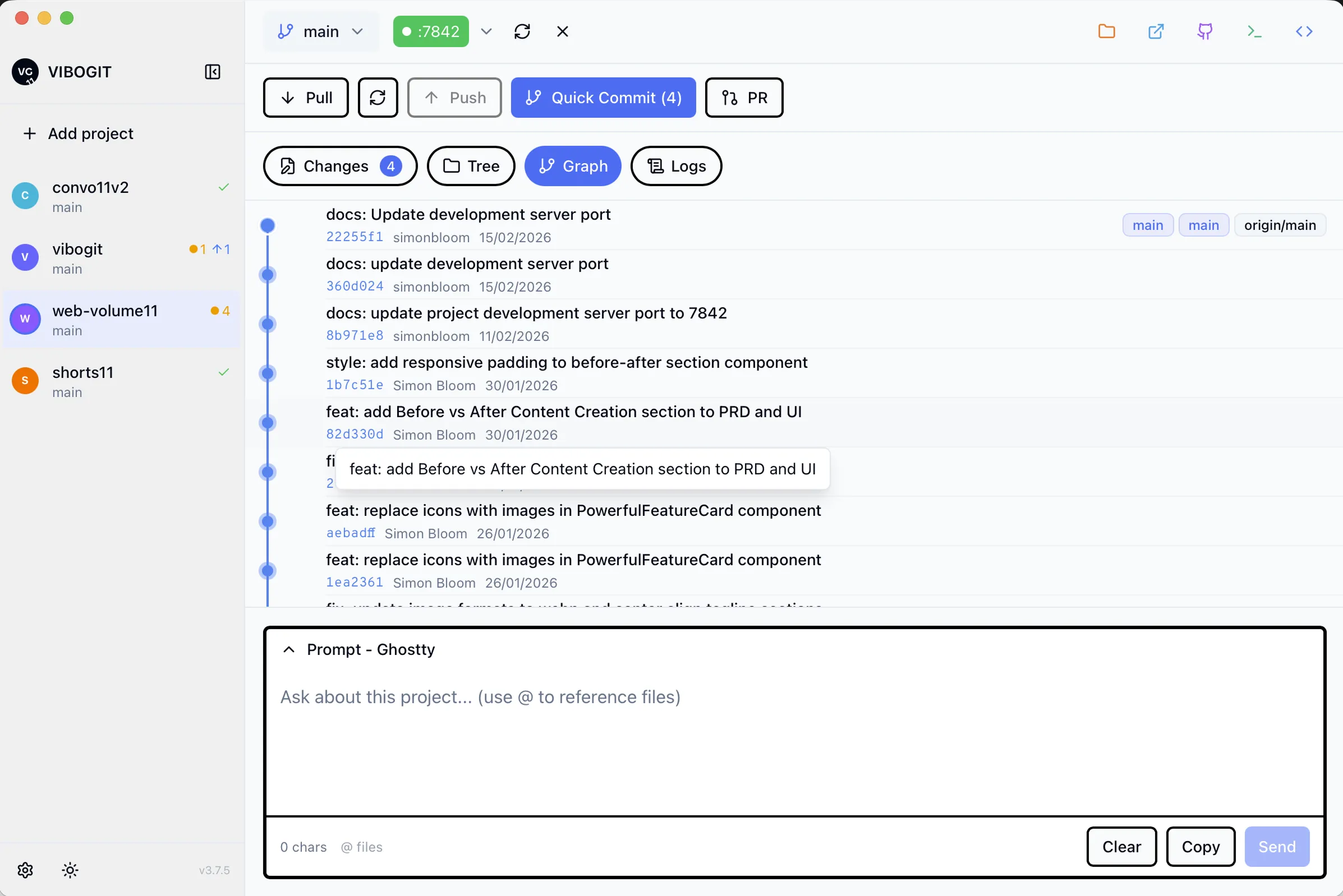
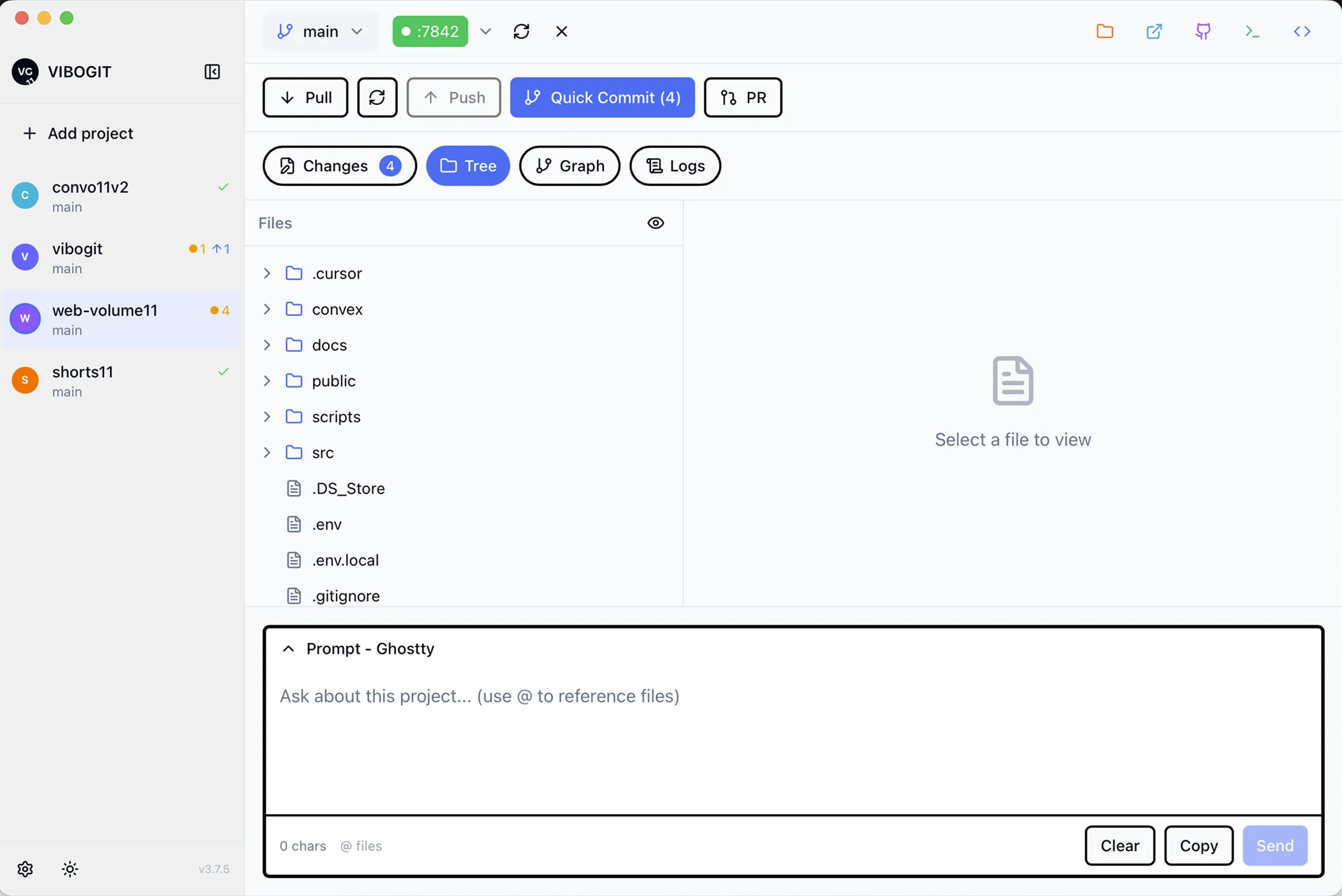
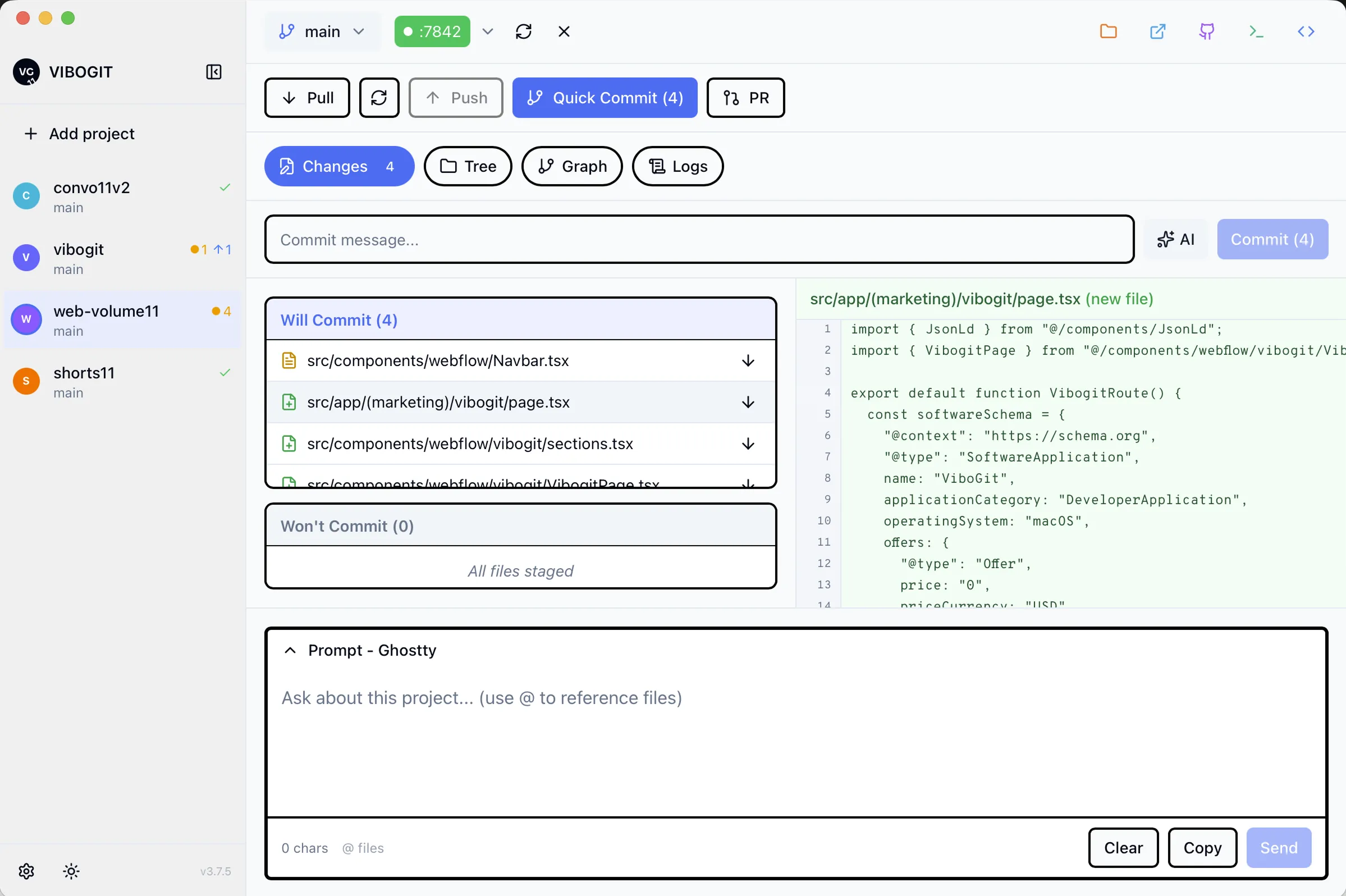
Keep your normal Git flow. ViboGit removes the repetitive clicks you do dozens of times a day. Pull, fetch, push, and PR remain explicit — the app is not black-box automation. Your tools, your way.
Setup in under a minute. Download, add your projects, and start shipping faster.
Common questions about ViboGit.